Reinventing Professional Document Creation, Dual-Core Synergy for Maximum Acceleration!
From inspiration to delivery, AIDOC provides a complete toolchain. Copilot handles AI intelligent creation & native insertion, while Station manages complex formatting & local security. One-click format conversion, sensitive data stays local, precise adaptation for professional scenarios—doubling efficiency for technical docs, academic papers, and enterprise reports.
Core Features Detail: Dual-Core Synergy
Dive deep into the capabilities that make AIDOC the ultimate documentation platform.
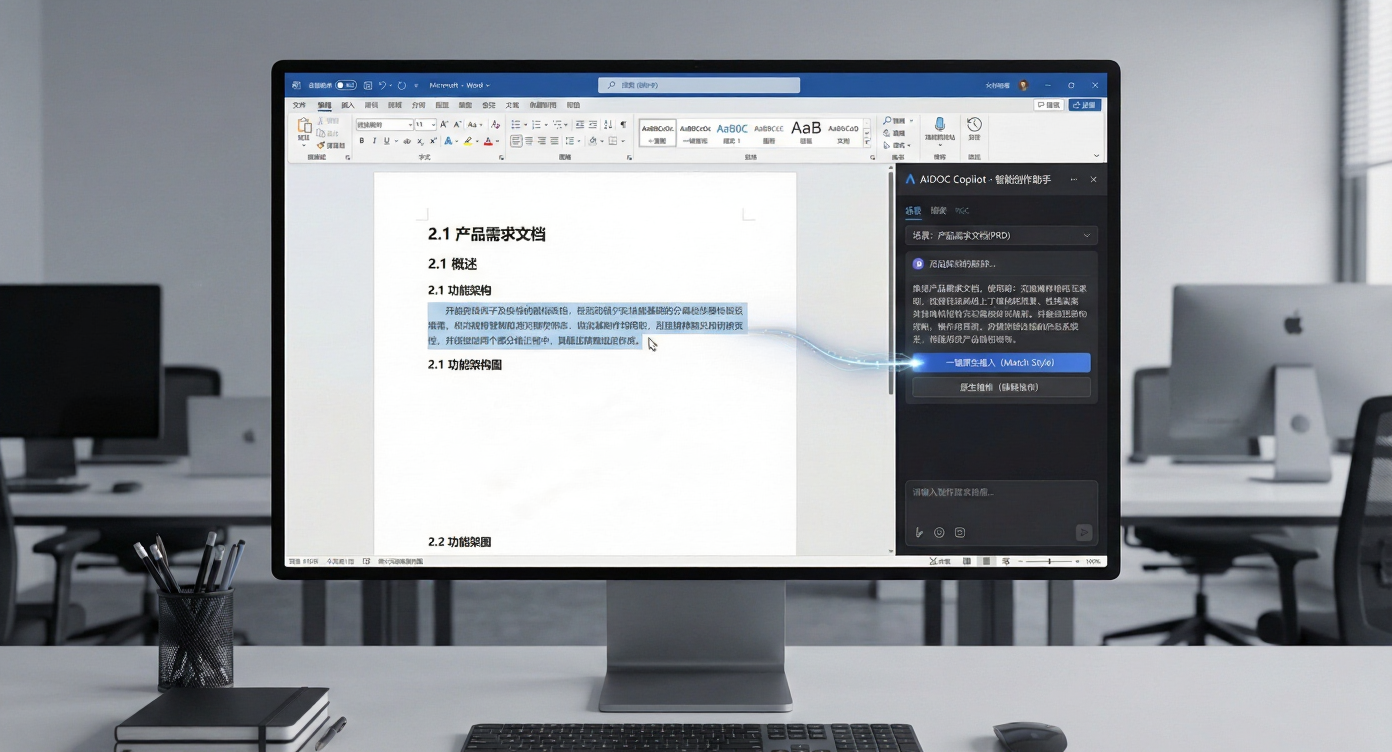
AIDOC Copilot: Intelligent Assistant Inside Word
Deeply embedded in the Word sidebar, more than just a chat bot—precisely adapted for different writing scenarios. From 'content generation' to 'formatting' entirely within Word, say goodbye to tool switching and manual layout.
- Scenario-based AI Roles: Built-in Product Requirements, AI Assistant Agent Prompts, supporting custom templates for professional output.
- One-Click Native Insertion: AI-generated content automatically matches document styles (Headings/Body/Tables), no copy-paste or formatting needed.
- Instant Pro Formatting: Mermaid/PlantUML code to vector graphics, LaTeX formulas to native typography, professional charts inserted with zero threshold.
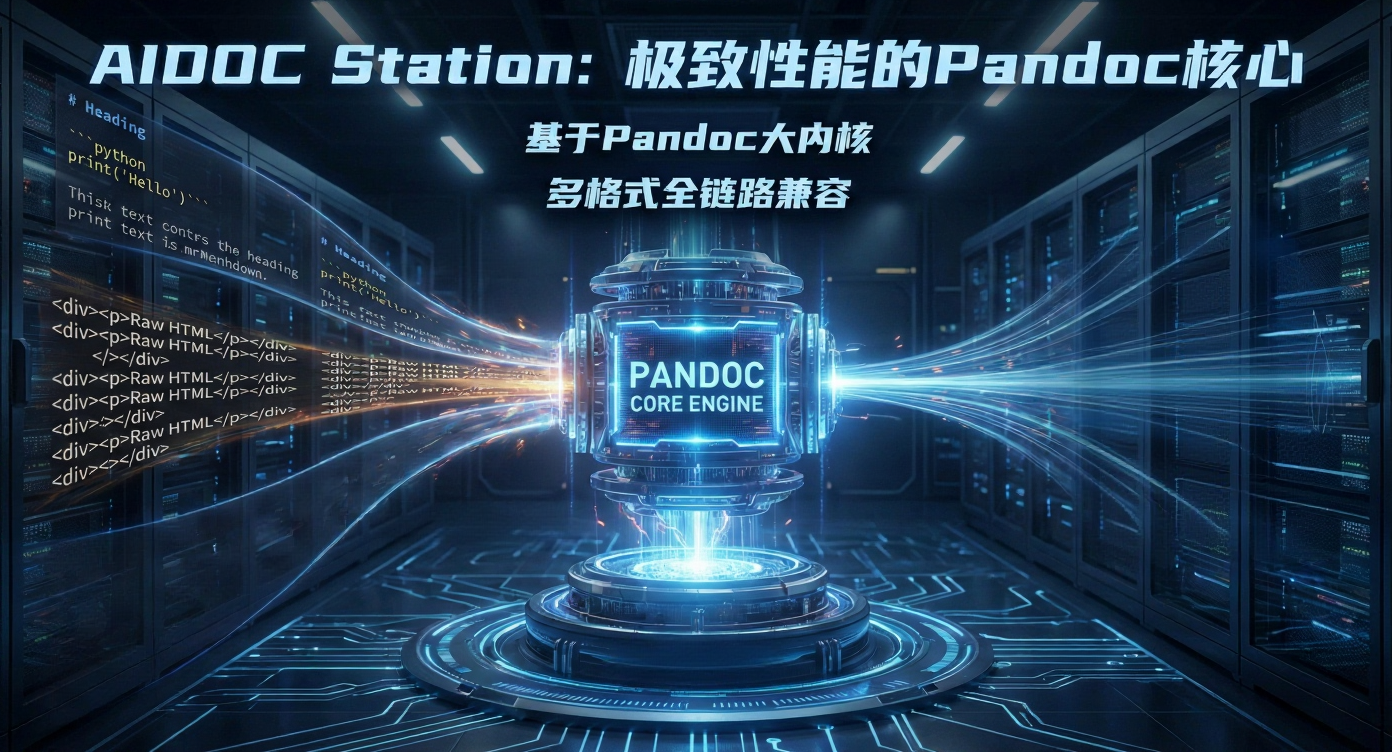
AIDOC Station: Extreme Performance Pandoc Core
Powered by a Pandoc mega-kernel, deeply adapted for core office needs—leveraging top-tier format parsing & conversion to solve the 'AI chat to Word format' gap, eliminating low-efficiency manual typesetting.
- Multi-Format Compatibility: Seamlessly adapts Markdown, HTML, DOCX, LaTeX, and dozens more, breaking format barriers with zero adaptation cost.
- Academic Formula Preservation: LaTeX formulas to native typeset, assuring zero deviation in academic document conversion.
- Smart MD/HTML Cleanup: Intelligently identifies headers, code blocks, tables, lists, automatically cleaning redundant tags and newlines for standard MD/HTML.
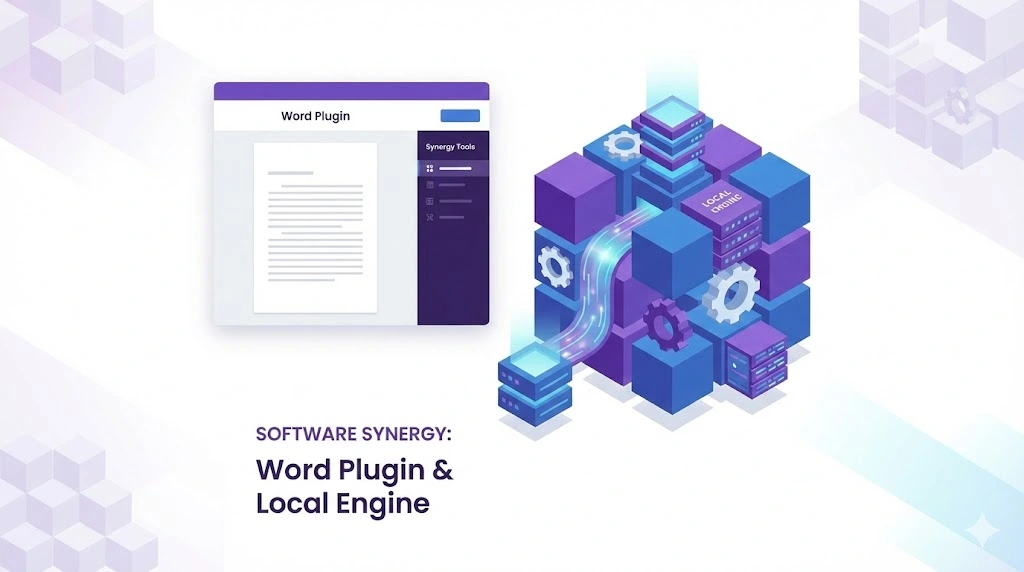
Dual-Core Interconnection: Seamless Creation & Compute Loop
Copilot frontend 'understands needs', Station backend 'delivers power'—forming a seamless loop between intelligent creation and professional formatting. Retaining Word's convenience while adding local engine security & performance.
- Works Offline: Station supports core format conversion and clipboard paste even without network, keeping work uninterrupted.
- One-Click Pairing: Install Station, and Copilot automatically discovers and connects. No manual config, instant start.
- Encrypted Data Flow: Dual-end data transmission is encrypted locally. Sensitive content never touches cloud servers, ensuring compliance.
Intelligent Creation: Multi-Dimensional AI Power
Make document creation smarter, more flexible, and more efficient
Multi-Model Scheduling
One-click switch between GPT-4o, Claude 3.5, Gemini, etc. Match creation/analysis needs for product docs or tech specs on demand.
Document Context Awareness
Intelligently identifies selected content, generating or optimizing based on context, avoiding generic output and fitting your document logic.
Real-Time Streaming
Typewriter-style streaming output. See AI thinking and generation in real-time, no waiting for full results. Smoother rhythm.
Custom AI Roles
Define exclusive AI roles (e.g., Doc Reviewer, Translator) with preset professional prompts for personalized assistance.
Visual & Formula: One-Click Professional Landing
Make visual content in documents generated efficiently and presented accurately
Mermaid Chart Rendering
Generate Flowcharts, Sequence diagrams, Gantt charts from Mermaid syntax with one click. No external tools needed.
PlantUML Pro Support
Compatible with PlantUML syntax. Render class diagrams and component diagrams instantly, restoring architecture logic accurately.
LaTeX Academic Rendering
Academic-grade LaTeX formula rendering. Preserves inline/block formulas perfectly for papers and tech reports.
Text to Mind Map
Generate structured mind maps from document text with one click. Clarify content logic and present complex info intuitively.
More Powerful Features
Discover all tools that make your workflow seamless.
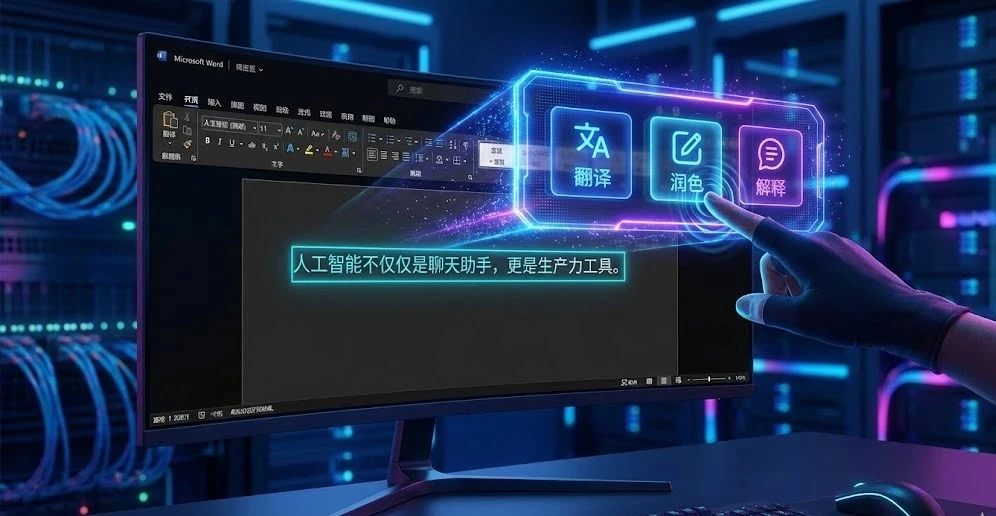
Selection Toolbar
Select text in Word to wake AI instantly. Translate, polish, explain—at your fingertips.
OCR Image Extraction
Screenshot to dialog, AI automatically recognizes text and table data.
Web Search
Integrated Tavily API, enabling AI to fetch latest internet info and references.
Developer Ecosystem
Open source driven. Support custom plugins & Prompts. Join GitHub community.
Ready to reshape your workflow?
Download AIDOC Station now and experience the perfect combination of AI and local engine.